On this page:
Invite your team
Bring your team on board so everyone can collaborate seamlessly. Assign the right roles and permissions to ensure each member has access to the features they need.

For more details, see the Invite members to Level CI article.
Configure your project
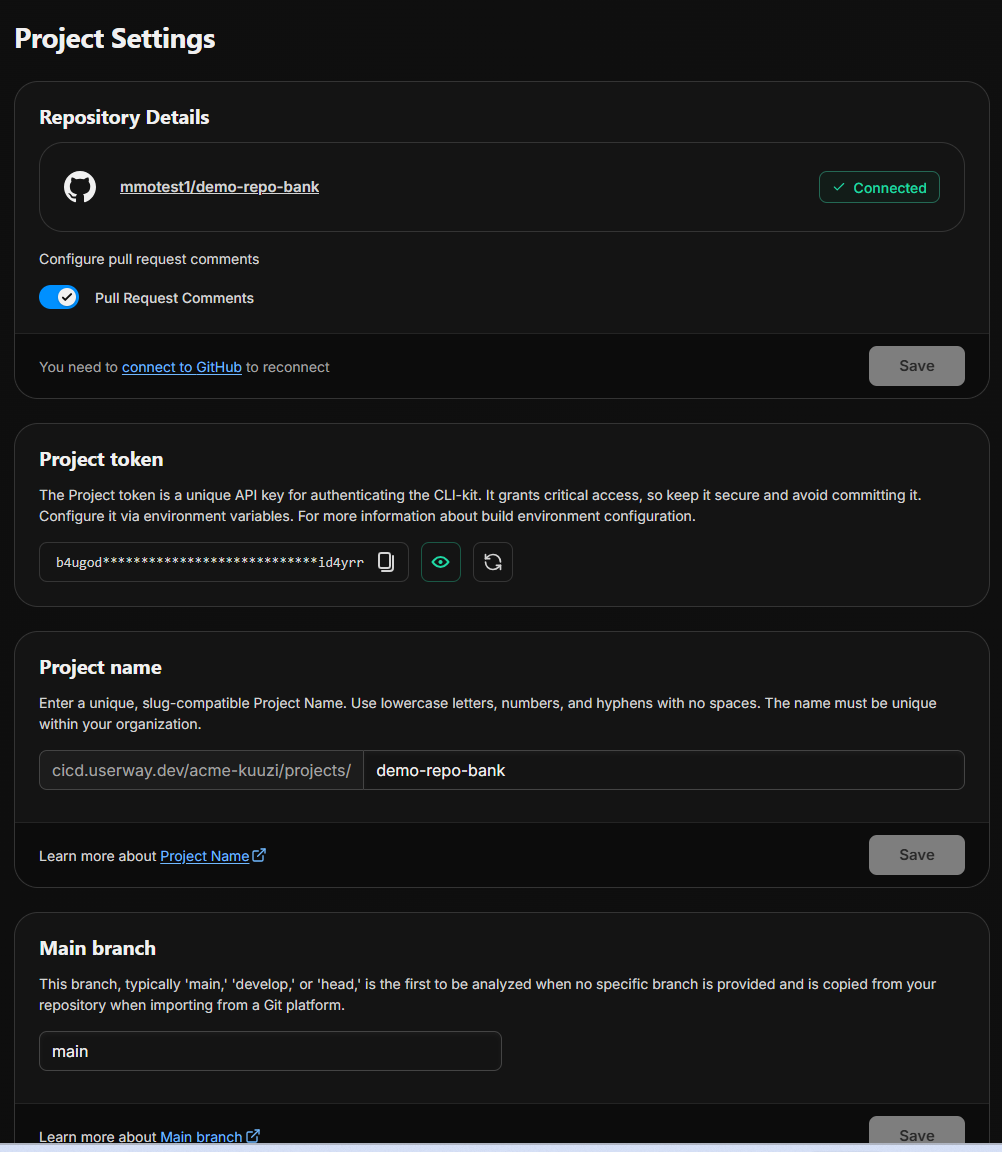
Tailor the project to your workflow by setting up configurations, connecting repositories, and managing permissions. Proper setup now will streamline ongoing project management.
Set Up the Accessibility (A11y) Quality Gate
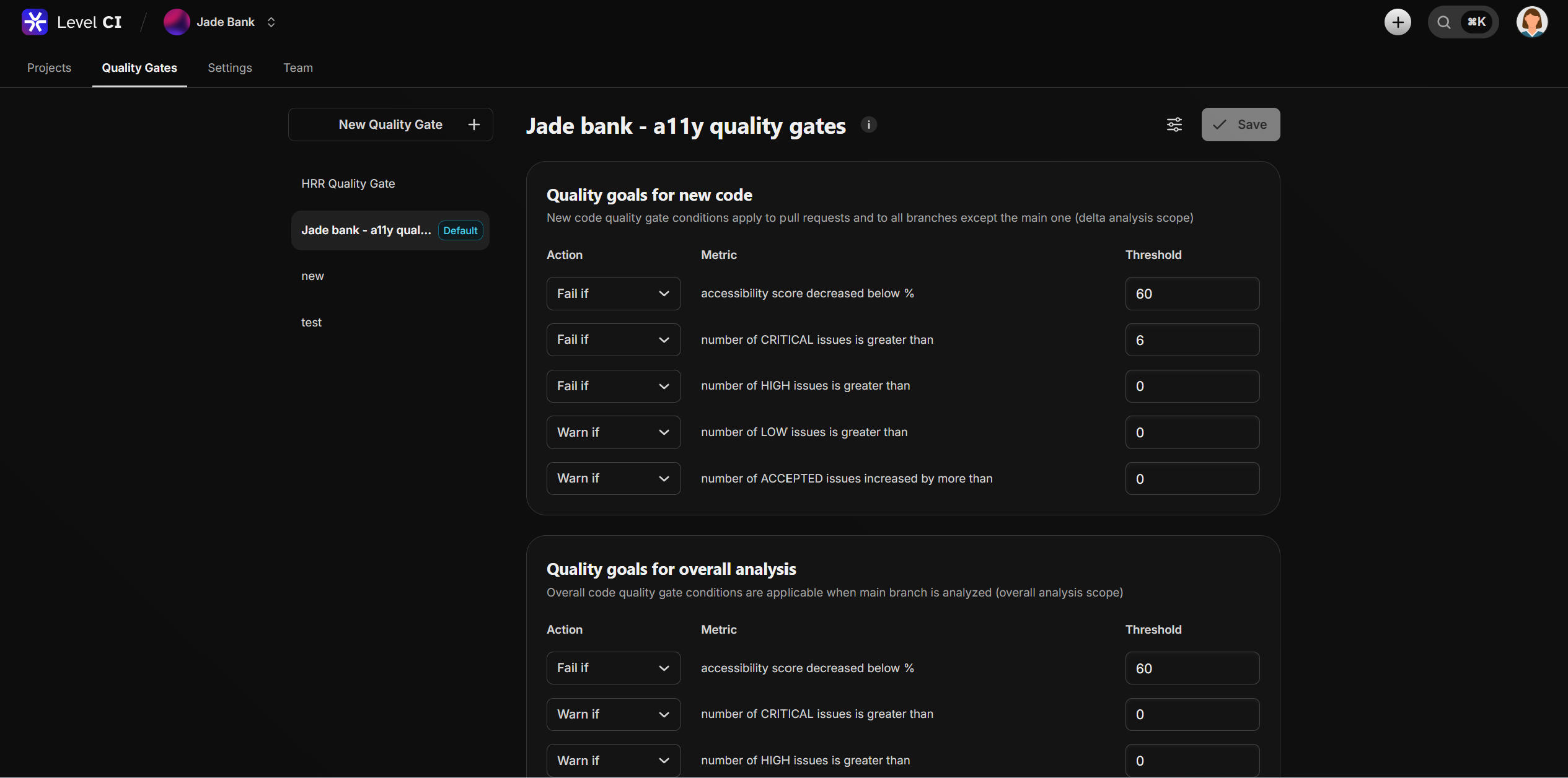
Enable the A11y Quality Gate to automatically detect accessibility issues throughout the development lifecycle. This ensures that every change is reviewed against accessibility standards before it’s merged or deployed.